
CheqOne updates
Multi User Cheque Printing Software in UAE
Choose multi user cheque printing software in UAE for controlled access, correct Arabic wording, aligned printing, and complete payment tracking at scale.
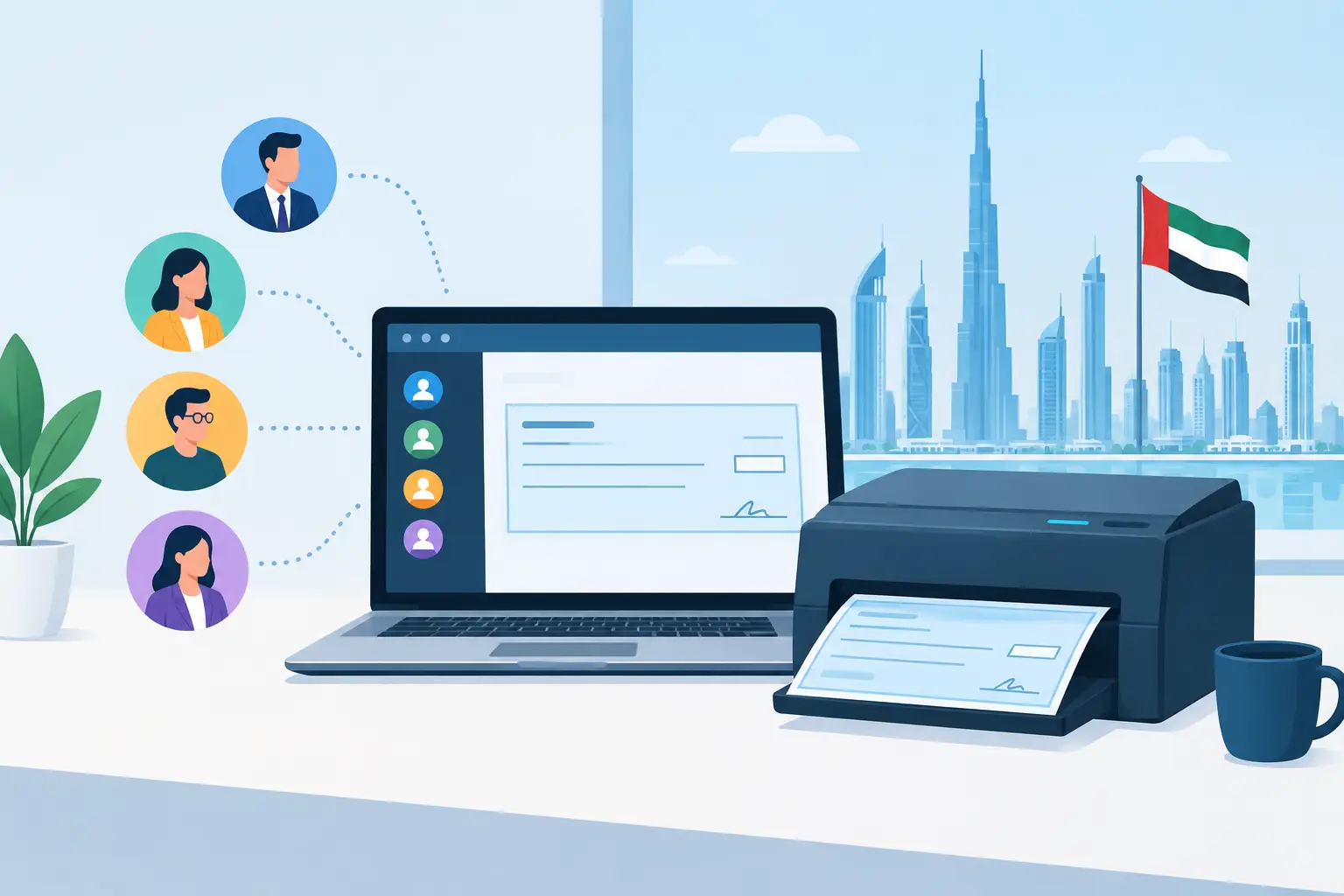
A cheque can be physically small and still carry a large operational risk. A wrong beneficiary name, duplicated cheque number, misplaced blank leaf, or missed post-dated cheque can create avoidable work for finance, suppliers, and management. That is why businesses looking for multi user cheque printing software in UAE need more than a screen that fills in cheque fields. They need clear control over who can prepare, approve, print, and track every payment.
For a growing company, cheque administration often starts with handwriting and a spreadsheet. Then more people join the process, more bank accounts are added, and post-dated cheque commitments increase. What once felt manageable becomes dependent on individual memory, local files, and informal handovers. Multi-user software changes that model by placing cheque operations in one controlled workspace.
What multi-user cheque printing should solve
The central purpose is not simply to let several employees log in. It is to give each person the appropriate level of access while preserving one accurate register for every company, bank account, and cheque book.
An accounts payable user may need to create a cheque from an approved invoice. A finance manager may need to review the payee, amount, date, and supporting reference before it is printed. A treasury or administrative user may be responsible for loading the correct cheque leaves into the printer. Group management may need visibility across multiple legal entities without giving every user permission to alter every bank account.
When these actions happen through disconnected spreadsheets, email approvals, and desktop-only applications, the team loses context. A number can be reserved in one file but printed from another. A cheque may be handed to a supplier without anyone updating its delivery status. A post-dated cheque might be recorded, but its future cash commitment remains hard to see.
A purpose-built system should keep the full lifecycle together: creation, printing, issue, delivery, deposit, honor, dishonor, cancellation, and reconciliation. This is what turns cheque printing into a financial-control process rather than a one-time document task.
Why shared access needs defined controls
Multi-user access works best when it is organized around roles, not convenience. Giving all employees full access may appear faster at first, but it creates avoidable exposure around bank details, payment instruments, and historical records.
A practical permission structure usually separates the ability to create payments from the ability to print or administer cheque books. The exact design depends on the organization. A small business may have one person preparing and printing under owner review. A larger group may separate entry, approval, printing, and status updates across several teams.
The most useful controls include:
- Role-based permissions for companies, bank accounts, cheque books, and actions
- A record of who created, changed, printed, cancelled, or updated each cheque
- Restricted access to cheque leaf ranges and printer-connected workstations
- Centralized visibility for authorized finance leaders across entities
- Clear status labels that show whether a cheque is issued, delivered, honored, dishonored, cancelled, or post-dated
Audit history matters even in a close-knit team. It answers simple but important questions quickly: Who printed this cheque? Was it reprinted? When was its status changed? Which user cancelled it, and why? Reliable records reduce the time spent reconstructing events after a supplier query, internal review, or bank reconciliation.
Multi user cheque printing software in UAE must fit local cheque operations
Generic payment tools often treat a cheque as an afterthought. UAE and GCC finance teams need details that match the way regional bank cheques are actually issued and printed.
One of the first requirements is correct amount-in-words generation in both English and Arabic. This should not be handled through manual typing for each payment. A system should calculate wording from the numerical amount consistently, including fils where required, so the printed cheque reflects the intended payment value.
Bank layouts matter just as much. Cheque fields vary by bank, and even a small alignment difference can place text outside the intended area or over preprinted information. Ready-made layouts for regional banks reduce setup time, while a layout designer is valuable for less common formats or changes to a cheque design.
Printing also needs to work with the equipment already in the office. Some teams use laser printers for daily payment runs. Others rely on dot-matrix or dedicated cheque printers. The software should support those realities while allowing the authorized printer PC to handle physical output securely. Fine alignment controls, down to 0.1 mm where needed, make a practical difference when a high-value payment is waiting for a correct print.
The workflow finance teams should expect
A good multi-user process should be calm and repeatable, even at month-end. The user selects the company, bank account, and cheque book, then enters or imports the payee, date, reference, and amount. The platform should reserve the next appropriate cheque number and create the amount in words automatically.
Before printing, the user checks the on-screen preview against the physical cheque format. If the company is using a new printer or bank layout, a test print on plain paper can confirm the alignment without wasting a cheque leaf. Once the setup is correct, authorized users can print the actual cheque through the approved workstation.
The work does not end when the cheque leaves the printer. The record should be updated as it moves through the business. A cheque may be handed over, couriered, deposited, cleared, returned, or cancelled. Each status should remain visible against the original payment details, making follow-up easier for accounts payable and treasury.
For post-dated cheques, the system should retain the future date as part of the payment record. This gives finance teams a clearer view of upcoming obligations instead of leaving commitments buried in a paper file or spreadsheet tab. Batch creation is especially useful when preparing monthly rent, installments, or recurring supplier payments with different future dates.
Cheque-book control is part of payment control
A cheque book is not just stationery. It contains numbered financial instruments that need traceability from receipt through use or cancellation.
Software should let the team register each cheque book, define its leaf range, and track which numbers are available, used, voided, or missing. This prevents accidental number conflicts when more than one user works on the same bank account. It also gives the organization a credible record when a physical cheque book is transferred between offices or custodians.
There is a trade-off here. Very strict controls can add an approval step to an urgent payment. Very loose controls may save a few minutes but leave the organization unable to explain how a cheque was created or why a leaf number was skipped. The right setup gives routine users enough speed to complete their work while reserving sensitive actions for authorized people.
Moving from spreadsheets without losing history
Many finance teams delay change because their old register contains years of cheque data. That concern is valid. Historical records are useful for reconciliation, supplier questions, audits, and reviewing past post-dated commitments.
The transition should begin with a clean inventory of active companies, bank accounts, cheque books, available leaf ranges, users, and open cheques. Historical cheque data can then be imported with its dates, payees, amounts, references, and statuses. The goal is not to recreate every old workflow. It is to bring forward the records that still matter and begin new processing in a controlled environment.
A short parallel period can be sensible for high-volume teams. Print a sample cheque, verify the bank layout and Arabic wording, confirm user permissions, and compare the new register against the existing record. Once the team trusts the output, continuing with duplicate spreadsheets only creates another source of disagreement.
CheqOne is designed around this practical path: set up the company, bank account, cheque book, and printer, then manage printing and payment status from one calm place for every company.
Questions to ask before choosing a platform
Before selecting software, finance leaders should test the everyday details rather than relying only on a feature list. Can users be limited by company or bank account? Does the audit trail show meaningful events? Can the software print on the existing office printer? Does it support the required bank layout and Arabic amount wording? Can it track both printed and post-dated cheques through final status?
Also ask how the platform handles exceptions. Cheques are sometimes misprinted, damaged, cancelled before delivery, returned by the bank, or reissued with a new number. The system should record these events clearly without deleting the original history. A clean exception process is often a better indicator of operational quality than a polished cheque-entry screen.
The right platform gives finance teams more than faster cheque preparation. It provides a dependable record of what was authorized, what was printed, where each cheque stands, and what cash commitments are still ahead. That clarity leaves less room for chance and more room for the business to operate with confidence.