
CheqOne updates
Mashreq Bank Cheque Printing Layout Setup
Set up a Mashreq Bank cheque printing layout with accurate fields, bilingual amount wording, printer calibration, controls, and simple verification steps.
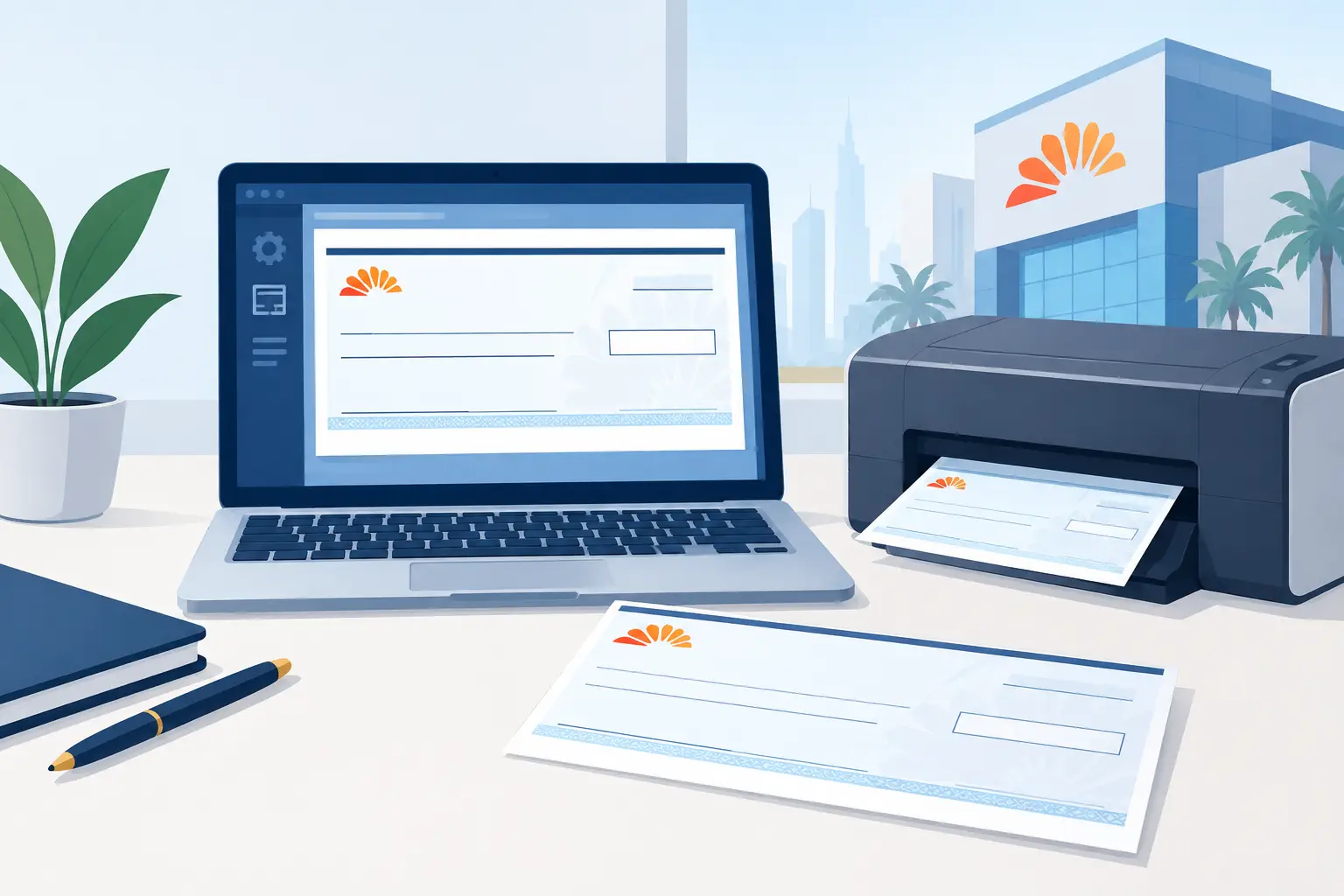
A cheque can be financially valid and still be operationally unusable if the payee name sits too low, the numeric amount crosses a printed boundary, or the date lands in the wrong box. That is why a mashreq bank cheque printing layout should be treated as a controlled finance setup, not a one-time printer adjustment. The goal is simple: every approved cheque should place the correct data in the correct position, consistently, from the first leaf to the last.
For finance teams handling supplier payments, rent, trade obligations, or post-dated cheques, good alignment protects more than presentation. It reduces rejected cheques, avoids costly reprints, preserves cheque-book control, and gives reviewers confidence that the printed instrument matches the payment record.
What a Mashreq Bank cheque printing layout controls
A cheque layout maps each payment value to a physical position on a specific cheque format. It defines where the cheque date, payee name, amount in figures, amount in words, account-payee crossing, and any optional reference appear when the cheque is printed.
The key point is that the layout is not just a visual template. It connects the paper cheque to a set of controlled payment data. When the layout is correct, the user can enter or import a payment once, generate the amount in words correctly, and print it without manually measuring fields each time.
For Mashreq Bank cheques, the exact layout can depend on the cheque-book series, account type, paper size, pre-printed field locations, and whether the bank has updated its stationery. A saved layout that worked with an older cheque book should never be assumed to fit a newly issued book without a test print.
Start with the physical cheque, not the software
The most reliable setup begins with a blank or voided sample leaf from the active cheque book. Place it beside the layout preview and identify the printed boundaries that matter: the date area, payee line, numeric amount box, amount-in-words line, signature area, and MICR line at the bottom.
The MICR line deserves particular care. It contains bank-processing information and must remain clear. A layout should not place references, remarks, or other content close enough to interfere with that area. Likewise, the signature area should be kept entirely free for the authorized signatory.
Confirm whether your cheque format uses a single date field or separated day, month, and year boxes. Check the maximum practical length of the payee line and amount-in-words space. Long legal entity names and high-value amounts can require font, spacing, or line-handling decisions before the first live cheque is printed.
Record the cheque-book range
Before printing, register the bank account and the cheque-book leaf range in the same system used to create payments. This prevents a finance user from printing a valid transaction against the wrong leaf number or reusing a leaf already marked as issued, canceled, or spoiled.
The layout handles placement. Cheque-book tracking handles instrument control. Both are necessary.
Build the fields in the right order
Set up the high-risk fields first: date, payee, amount in figures, and amount in words. These are the fields a bank, payee, and internal approver will scrutinize most closely. Optional items such as voucher numbers or internal references can be added afterward if there is a safe, unused area on the cheque.
The date format should match the organization’s approved payment convention and fit within the printed area. For post-dated cheques, this is especially important. A date that is technically correct in the payment register but clipped or misaligned on paper creates an avoidable risk at presentation.
For the payee field, use the approved beneficiary name from your vendor or master-data record. Avoid leaving excessive space before the name, particularly if your policy requires a line or protective fill after the final character. The correct approach depends on the cheque design and internal controls, but the objective is the same: make later alteration difficult.
Amounts should be generated from the numeric payment value, not typed separately. The figures and words must agree exactly. In payment workflows, the amount in words may need to be produced in both English and Arabic. This is not an area for copied text or manual translation. Currency names, decimals, and wording conventions must be consistent with the payment amount and the organization’s cheque policy.
Calibrate the printer before using live leaves
Most print problems are caused by printer behavior, not by incorrect payment data. Paper can feed slightly differently between devices, trays, drivers, and paper types. Even the same printer may shift output after maintenance, toner replacement, or a driver update.
Use a test print on plain paper first. Hold the test sheet over a real cheque leaf against a light source or place it directly behind the cheque to compare each field. Check horizontal and vertical placement separately. A field that is centered left-to-right can still be too high or low.
Make small changes and repeat the test. Large adjustments make it harder to identify the source of an error. A layout tool with fine alignment controls is useful here, especially when it can save printer-specific offsets rather than forcing users to edit the underlying bank layout for every device.
Use the printer that will handle production cheques
A layout tested on one office printer may not print identically on another. Confirm the approved printer PC and printer model used for live cheques, then retain that configuration for routine use. Laser, inkjet, dot-matrix, and dedicated cheque printers can all require different feed settings and margins.
Disable any driver option that scales the document to fit the page. Settings such as “fit,” “shrink,” “expand,” or automatic paper-size substitution can move every field. The print job should use the cheque’s actual dimensions and the correct feed orientation.
For high-volume operations, record the printer name, tray, paper orientation, and any saved offset values in the team’s operating procedure. This creates a repeatable process when a team member is absent or a new user is authorized to print.
Test realistic payment scenarios
A layout that works for a short payee name and a round amount may fail on a more realistic transaction. Before approving the format, test several cases using non-live paper:
- A short payee name and a long legal entity name
- A whole-number amount and an amount containing fils
- A low-value payment and a high-value payment with lengthy wording
- An English-only scenario and the bilingual format your business uses
Look for clipping, overlap, awkward wrapping, and text that enters restricted areas. If Arabic text is used, verify that its direction, spacing, currency wording, and placement are correct on the final printed output, not only in a screen preview.
This is also the moment to decide how the layout should handle unusually long payment values. Some organizations choose a smaller font within acceptable readability limits. Others require a different payment method or a controlled manual exception. There is no universal answer, but the rule should be documented before an exception occurs.
Keep approval, printing, and status records connected
Accurate printing is only one stage of cheque administration. A cheque should remain traceable after it leaves the printer. The payment record should identify the bank account, cheque number, payee, amount, date, preparer, approver, printer user, and current status.
A clear status workflow can distinguish between issued, delivered, honored, dishonored, canceled, and post-dated cheques. This matters because a printed cheque is not automatically a completed payment. Finance teams need visibility into what has been handed over, what remains outstanding, and what requires follow-up.
Role-based permissions add another practical safeguard. A user who prepares a payment does not always need authority to approve it, print it, cancel a leaf, or edit a completed record. Separating those actions creates accountability without making routine work difficult.
CheqOne provides ready-made regional bank layouts, including Mashreq formats where applicable, alongside a layout designer for cheque stationery that differs from the available templates. Its Windows Print Helper supports precise local printing while the payment register, cheque-book controls, and audit trail remain in one calm place for every company.
Revalidate when something changes
A good Mashreq Bank cheque printing layout is not “set and forget.” Re-test it whenever the cheque-book design changes, the printer changes, a driver is updated, the printing computer is replaced, or output begins to drift. Keep a dated test record and require a second reviewer to approve material layout changes before live use.
That small discipline turns cheque printing from a recurring source of uncertainty into a dependable payment-control step. When every field lands where it should, the team can focus less on correcting paper and more on managing cash commitments with confidence.